Description
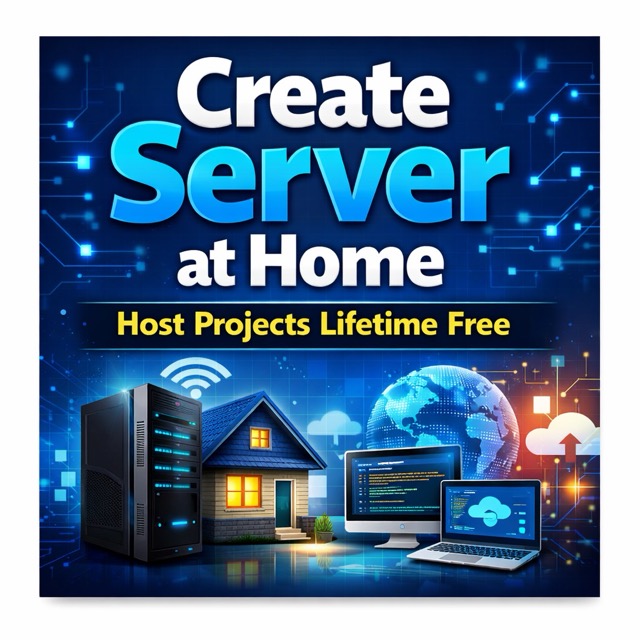
This book shows how you can build a reliable on-premise server at home using an old laptop or desktop system. With this setup, you can host your personal projects permanently—without paying for cloud services—while significantly upgrading your real-world technical skills.
Students and working professionals often create projects worth showcasing, but hosting them online usually means recurring cloud costs or restrictive free plans. Running everything on localhost simply does not create the same impact.
I faced the same problem. Instead of relying on cloud providers, I transformed my old laptop into a fully functional, cloud-like home server running 24×7 on a home network. It hosts multiple applications mapped to my domain and subdomains—no VPS, no monthly bills, just a self-managed server.
This handbook is the result of running that server for over a year. It captures real challenges, proven configurations, and practical automation that keeps the system running with minimal manual effort.
By following this guide, you will learn how to build, automate, and maintain your own always-on personal server with confidence.
No. of Pages : 76
Must watch below Youtube videos :
👉 Build a Home Server Using Your Laptop | Host Projects & Connect a Domain | Lifetime Free Video Link : https://youtu.be/C9MW63ENz90
👉New to Linux? Must-watch video – Linux Fundamentals: https://youtu.be/R47gseuh41E
👉Ubuntu Server OS Installation Process (VirtualBox and direct system installation with single or dual boot):
https://youtu.be/f9T0uyzvvAQ
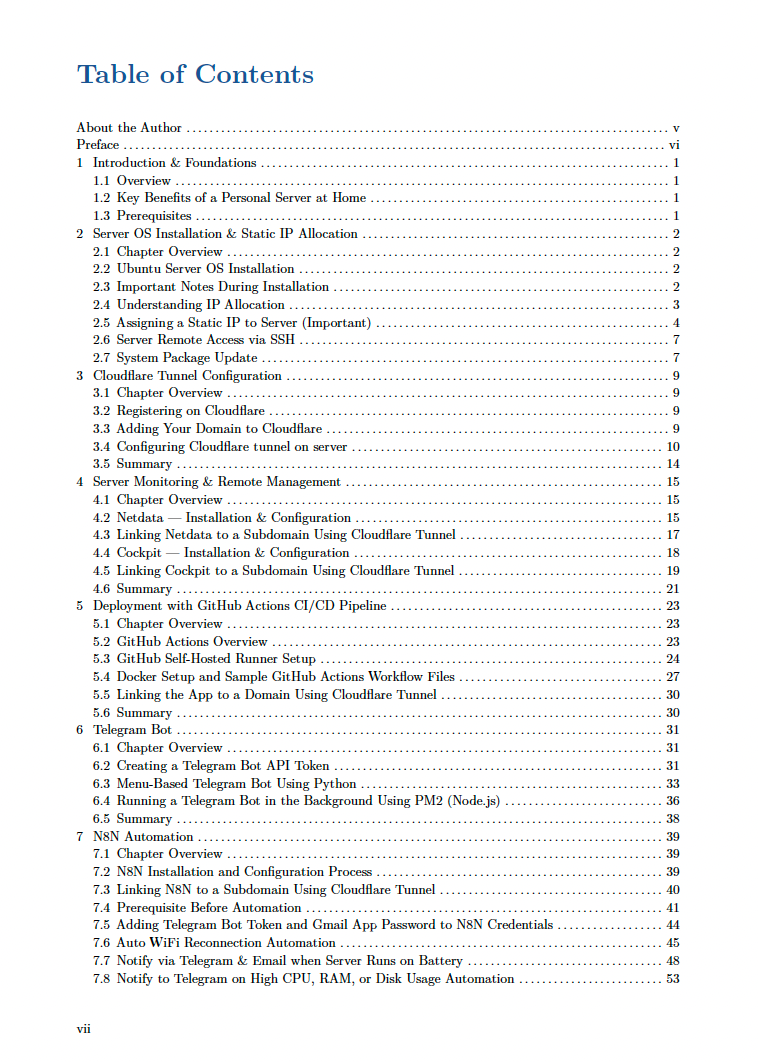
📘 Table of Contents
-
Introduction & Foundations
1.1 Overview
1.2 Key Benefits of a Personal Server at Home
1.3 Prerequisites -
Server OS Installation & Static IP Allocation
2.1 Chapter Overview
2.2 Ubuntu Server OS Installation
2.3 Important Notes During Installation
2.4 Understanding IP Allocation
2.5 Assigning a Static IP to Server (Important)
2.6 Server Remote Access via SSH
2.7 Disabling Power Saver
2.7 System Package Update -
Cloudflare Tunnel Configuration
3.1 Chapter Overview
3.2 Registering on Cloudflare
3.3 Adding Your Domain to Cloudflare
3.4 Configuring Cloudflare Tunnel on Server
3.5 Summary -
Server Monitoring & Remote Management
4.1 Chapter Overview
4.2 Netdata — Installation & Configuration
4.3 Linking Netdata to a Subdomain Using Cloudflare Tunnel
4.4 Cockpit — Installation & Configuration
4.5 Linking Cockpit to a Subdomain Using Cloudflare Tunnel
4.6 Summary -
Deployment with GitHub Actions CI/CD Pipeline
5.1 Chapter Overview
5.2 GitHub Actions Overview
5.3 GitHub Self-Hosted Runner Setup
5.4 Docker Setup and Sample GitHub Actions Workflow Files
5.5 Linking the App to a Domain Using Cloudflare Tunnel
5.6 Summary -
Telegram Bot
6.1 Chapter Overview
6.2 Creating a Telegram Bot API Token
6.3 Menu-Based Telegram Bot Using Python
6.4 Running a Telegram Bot in the Background Using PM2 (Node.js)
6.5 Summary -
N8N Automation
7.1 Chapter Overview
7.2 N8N Installation and Configuration Process
7.3 Linking N8N to a Subdomain Using Cloudflare Tunnel
7.4 Prerequisite Before Automation
7.5 Adding Telegram Bot Token and Gmail App Password to N8N Credentials
7.6 Auto WiFi Reconnection Automation
7.7 Notify via Telegram & Email When Server Runs on Battery
7.8 Notify to Telegram on High CPU, RAM, or Disk Usage Automation
7.9 Summary -
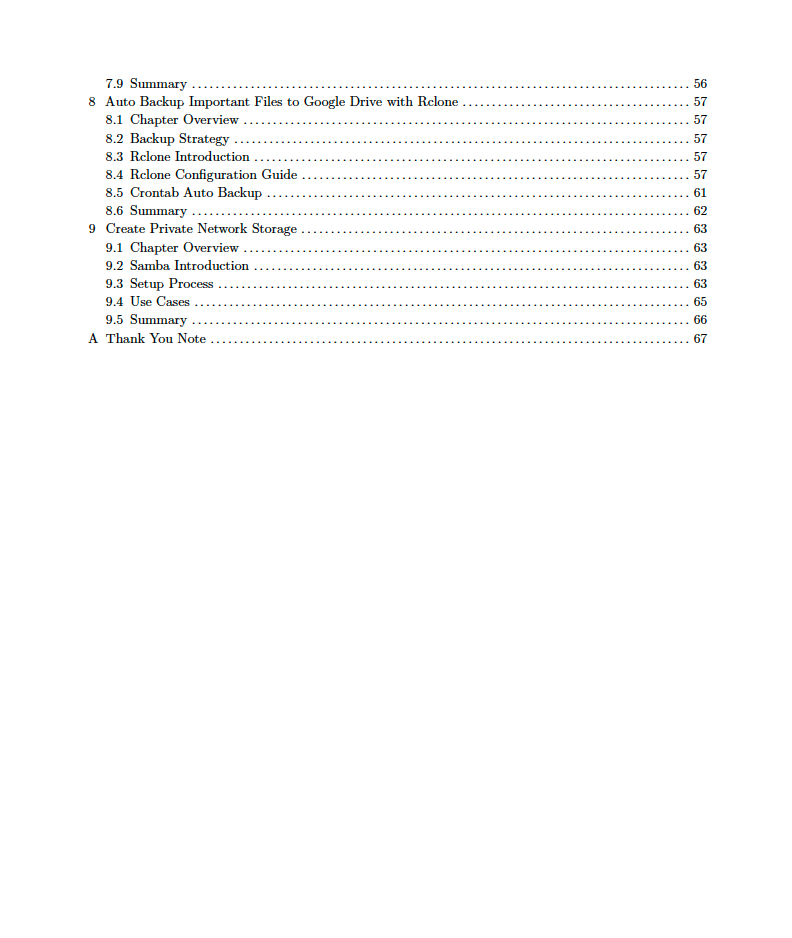
Auto Backup Important Files to Google Drive with Rclone
8.1 Chapter Overview
8.2 Backup Strategy
8.3 Rclone Introduction
8.4 Rclone Configuration Guide
8.5 Crontab Auto Backup
8.6 Summary -
Create Private Network Storage
9.1 Chapter Overview
9.2 Samba Introduction
9.3 Setup Process
9.4 Use Cases
9.5 Summary



Reviews
There are no reviews yet.